

Latest Version: v1.12.3
Released: 1 August 2009
NEW:
Improved compatibility
Support for latest devices
|
|
|
|||
|
|
Adds DOS compatibility to your Pocket Computer | Latest Version: v1.12.3 |
|
|
|
|
||||
|
|||||
|
|
|
|||
| Configuring PocketDOS
to boot DR-DOS 7.03 Download the DR-DOS 7.03 Lite installation diskette #1 Rename the file from LDISK01.144 to DOS703_1.IMA and transfer it to your device Install the PocketDOS Utility Disk Image (supplied with PocketDOS) 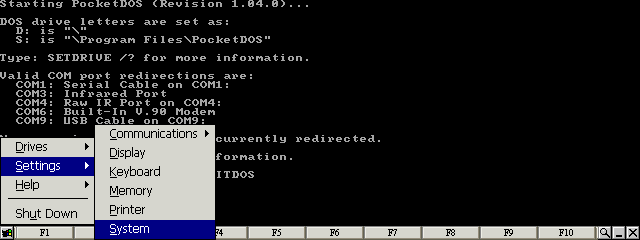
Select the System item from the Settings menu 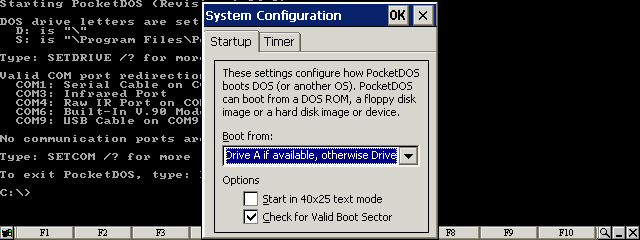
Set the options in the Startup configuration 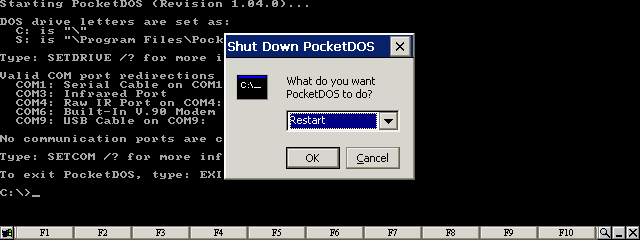
Restart PocketDOS 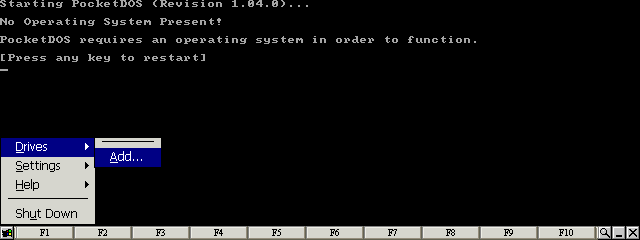
Select the Add... item from the Drives menu 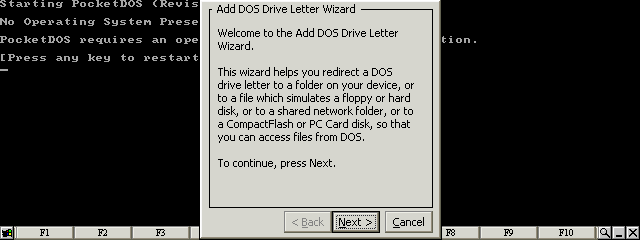
Press the Next button 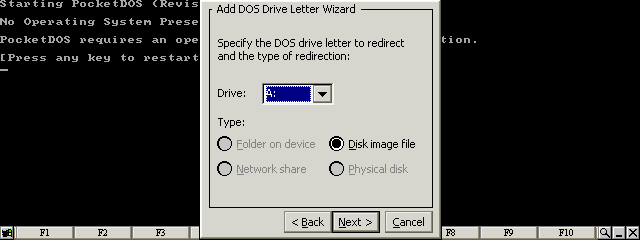
Select Disk image file for the A: drive letter 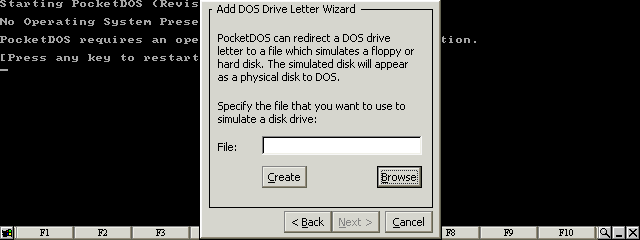
Press the Browse button 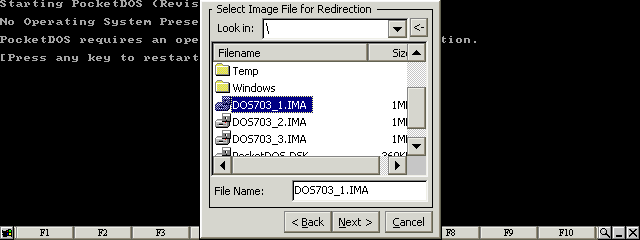
Select the first DR-DOS disk image 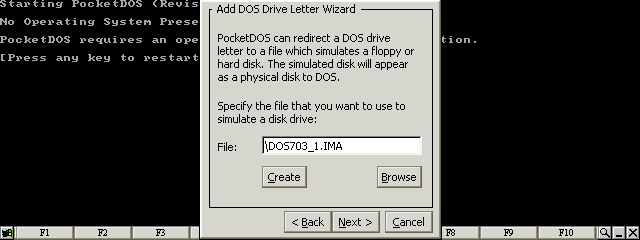
Press the Next button 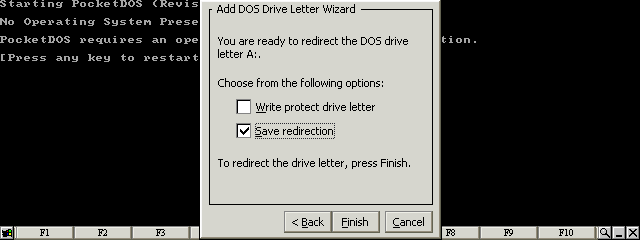
Set the Save redirextion item and then press the Finish button 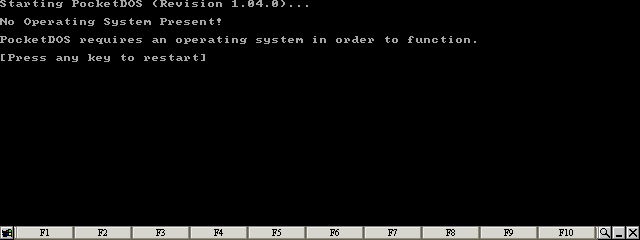
Press any key 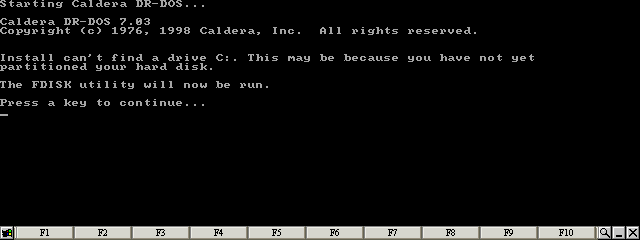
Press any key 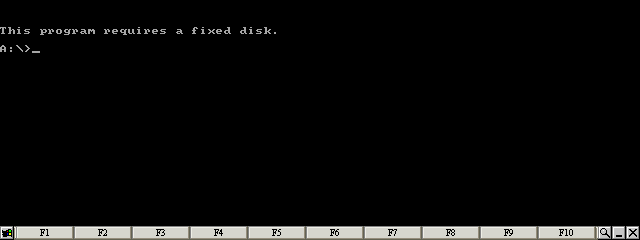
Ignore any error messages 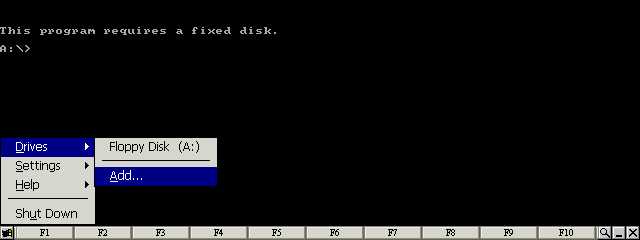
Select the Add... item from the Drives menu 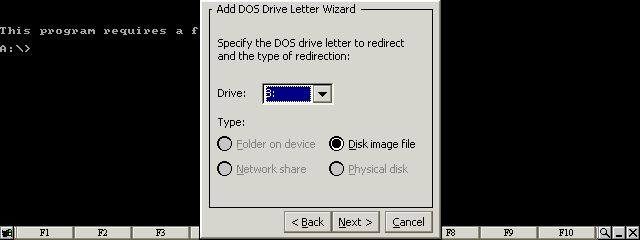
Select Disk image file for the B: drive letter 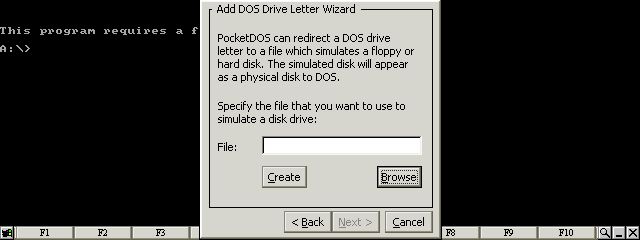
Press the Browse button 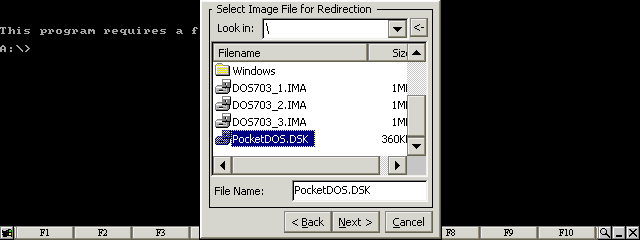
Select the PocketDOS utility disk image 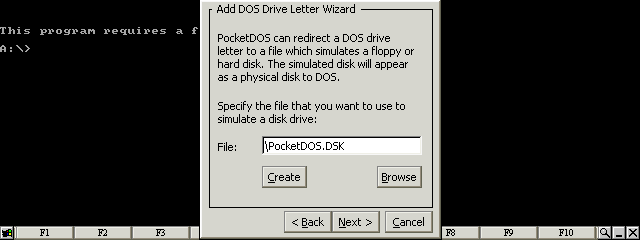
Press the Next button 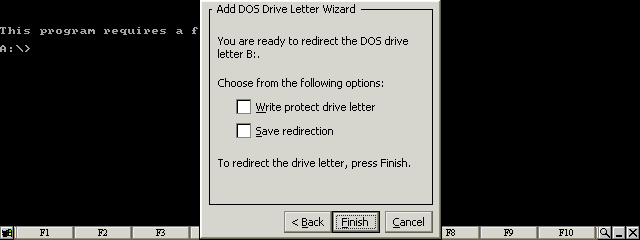
Clear all checkboxes and press the Finish button 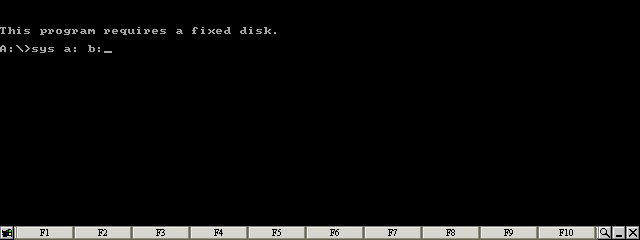
Type: SYS A: B: 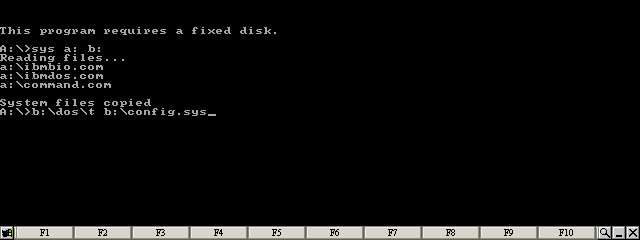
Type: B:\DOS\T B:\CONFIG.SYS 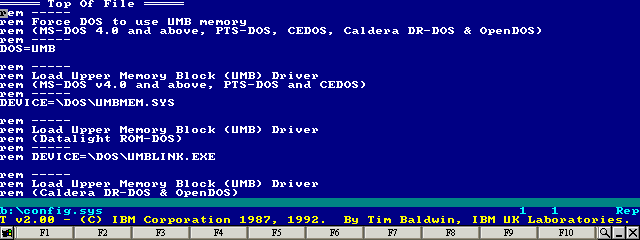
Press the ESC key 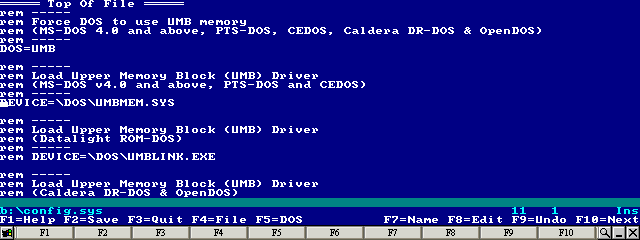
Move the cursor to the line starting: DEVICE=\DOS\UMBMEM.SYS 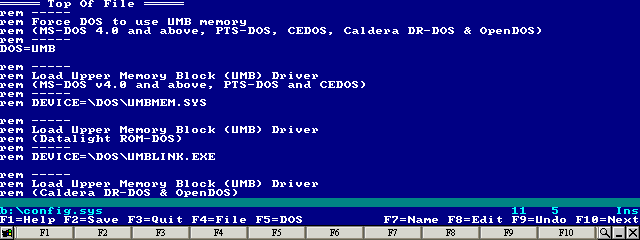
Comment out the line by inserting 'rem' at the beginning of the line 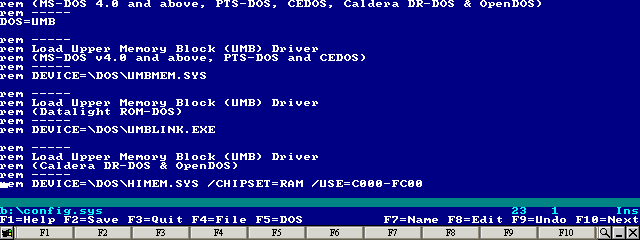
Move the cursor to the line starting: rem DEVICE=\DOS\HIMEM.SYS... 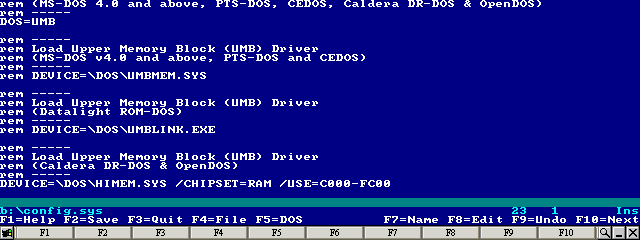
Remove the 'rem' from the beginning of the line, then press F2 to save and F3 to exit 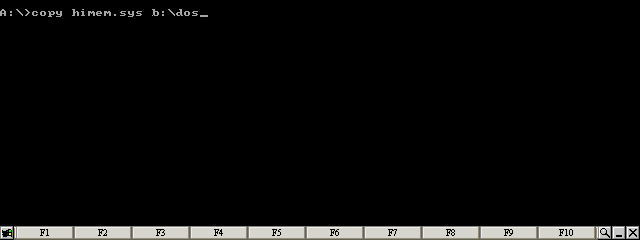
Type: COPY HIMEM.SYS B:\DOS 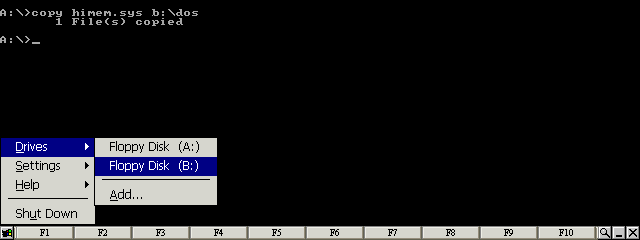
Select the Floppy Disk (B:) item from the Drives menu 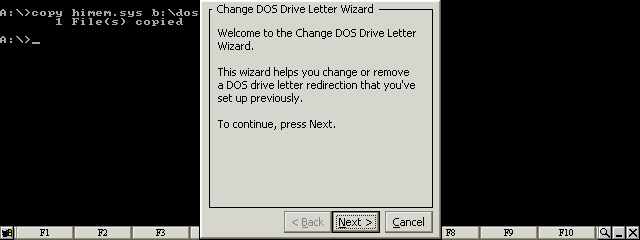
Press the Next button 
Select Cancel Redirection and press the Next button 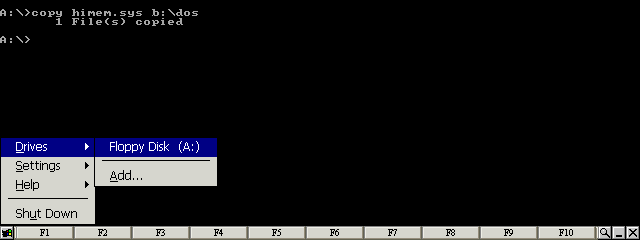
Select the Floppy Disk (A:) item from the Drives menu 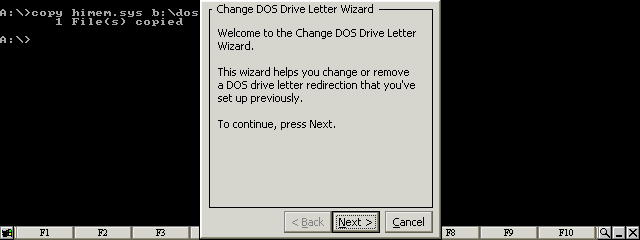
Press the Next button 
Select Change redirection and press the Next button 
Select Disk image file for the A: drive letter 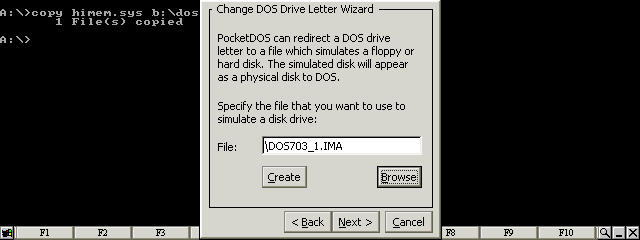
Press the Browse button 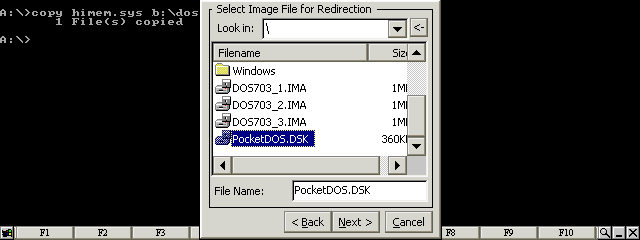
Select the PocketDOS utility disk image 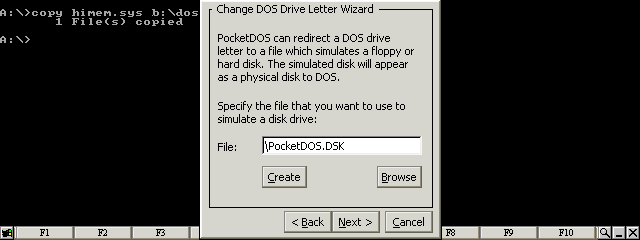
Press the Next button 
Select Save redirection and press the Finish button 
Restart PocketDOS 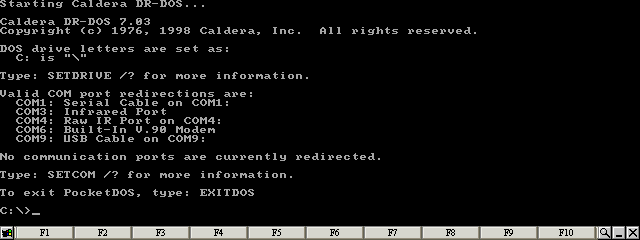
DR-DOS is now running |
| site design by www.zero21studios.com |